
Manage client tracking and recurring consultations in one place.
Plan recurring client consultations automatically. Manage client history, consultation notes and package status on one screen.



1 of 8Weekly calendar
- Planning recurring (weekly/monthly) consultations one by one takes too long.
- Client history and progress notes are scattered.
- Finding old consultation notes takes too long.
- Manually tracking package/session credits is hard.
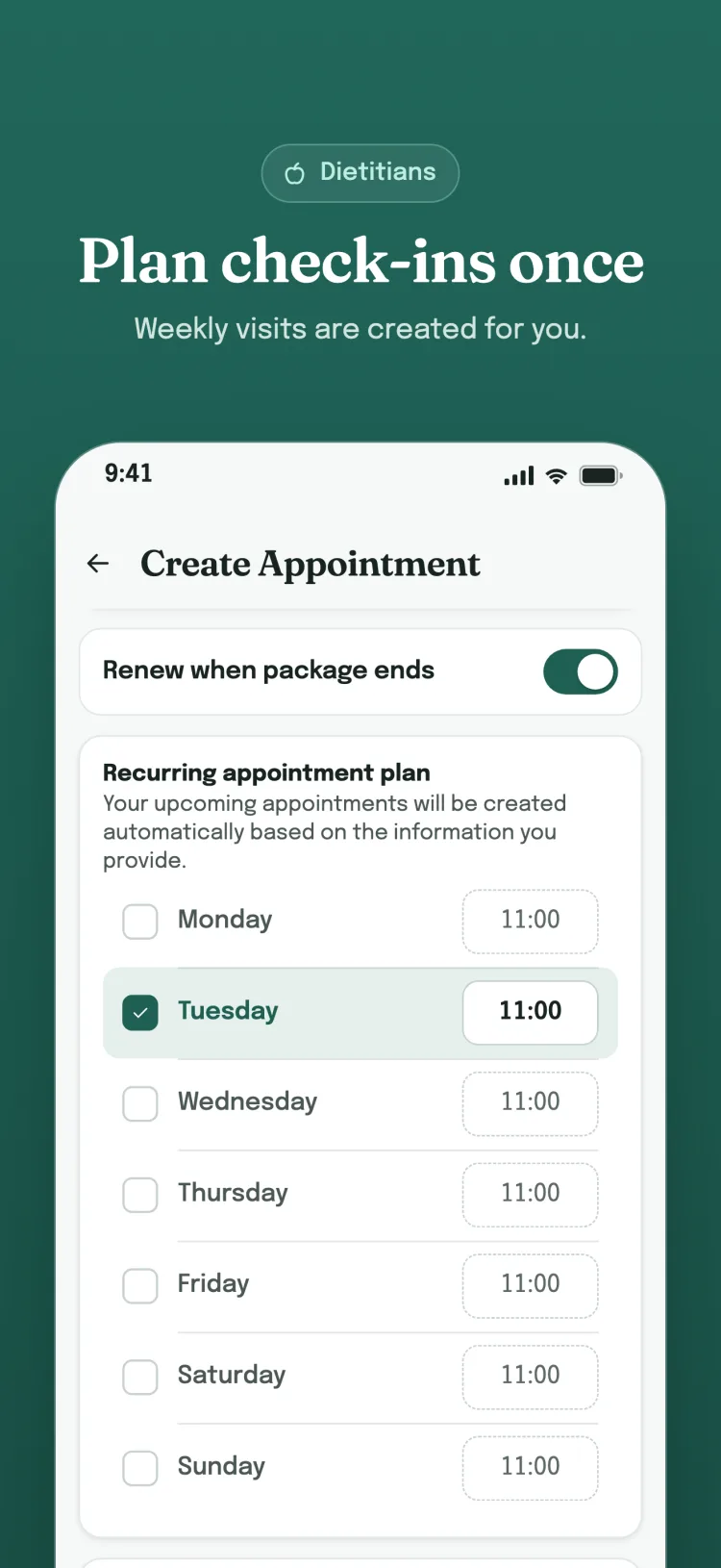
- Recurring consultations are planned automatically
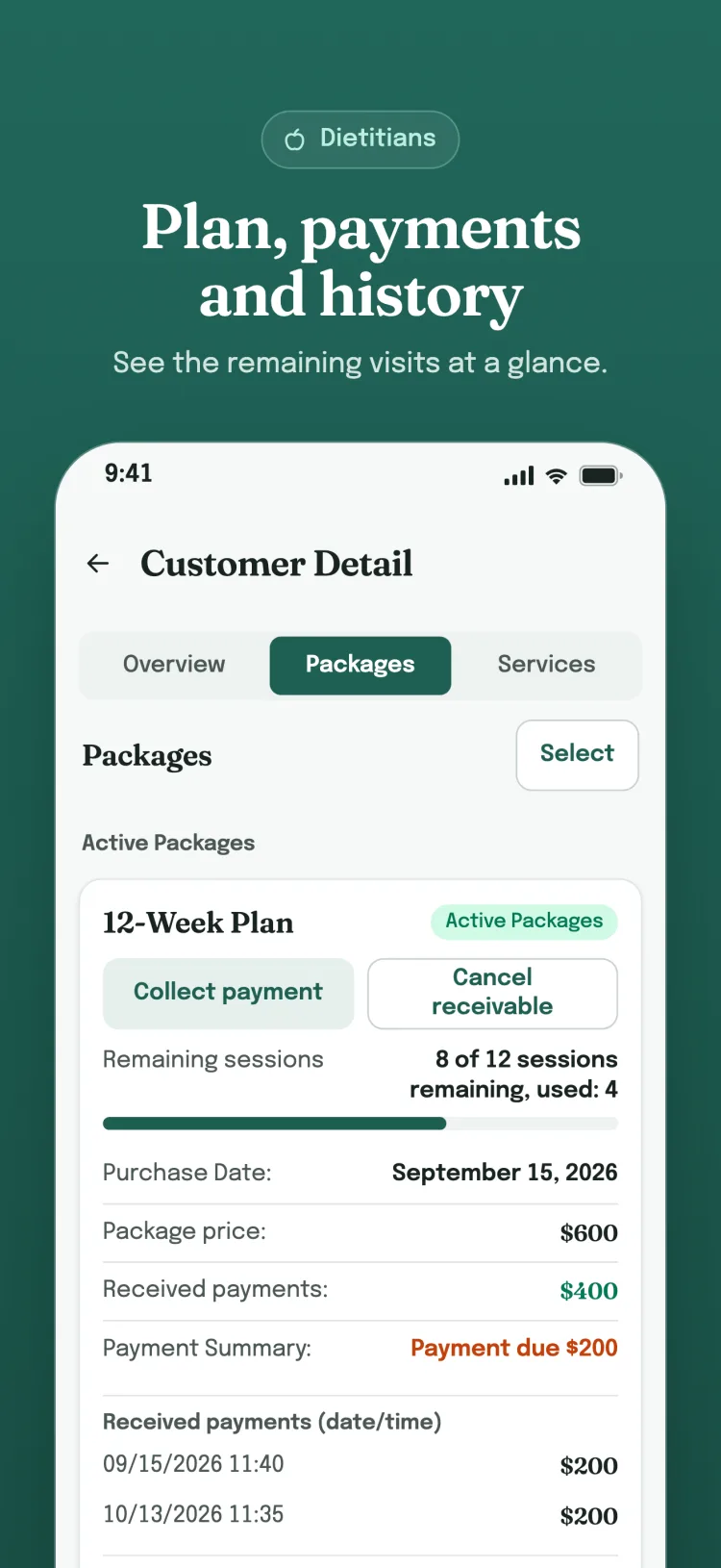
- Client history and notes are viewed on one screen
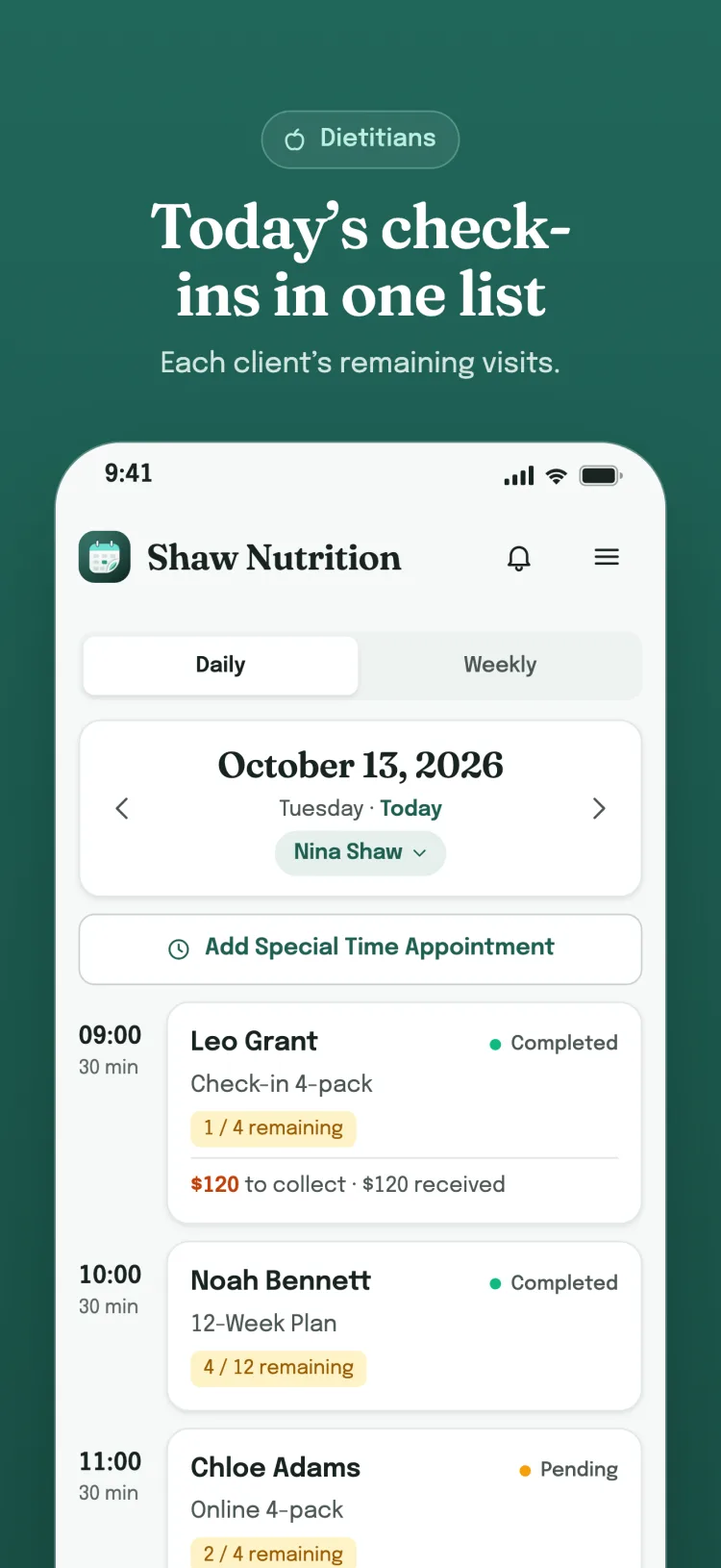
- Package credits are tracked automatically
- Clients view their appointments from the free app
- Eligible app users can receive reminders when their account, device registration and notification permission are ready
What you can do
Features
Recurring packages + automatic scheduling
Enter fixed schedules once; all future appointments are created automatically and packages are renewed when they end.
Automatic package tracking
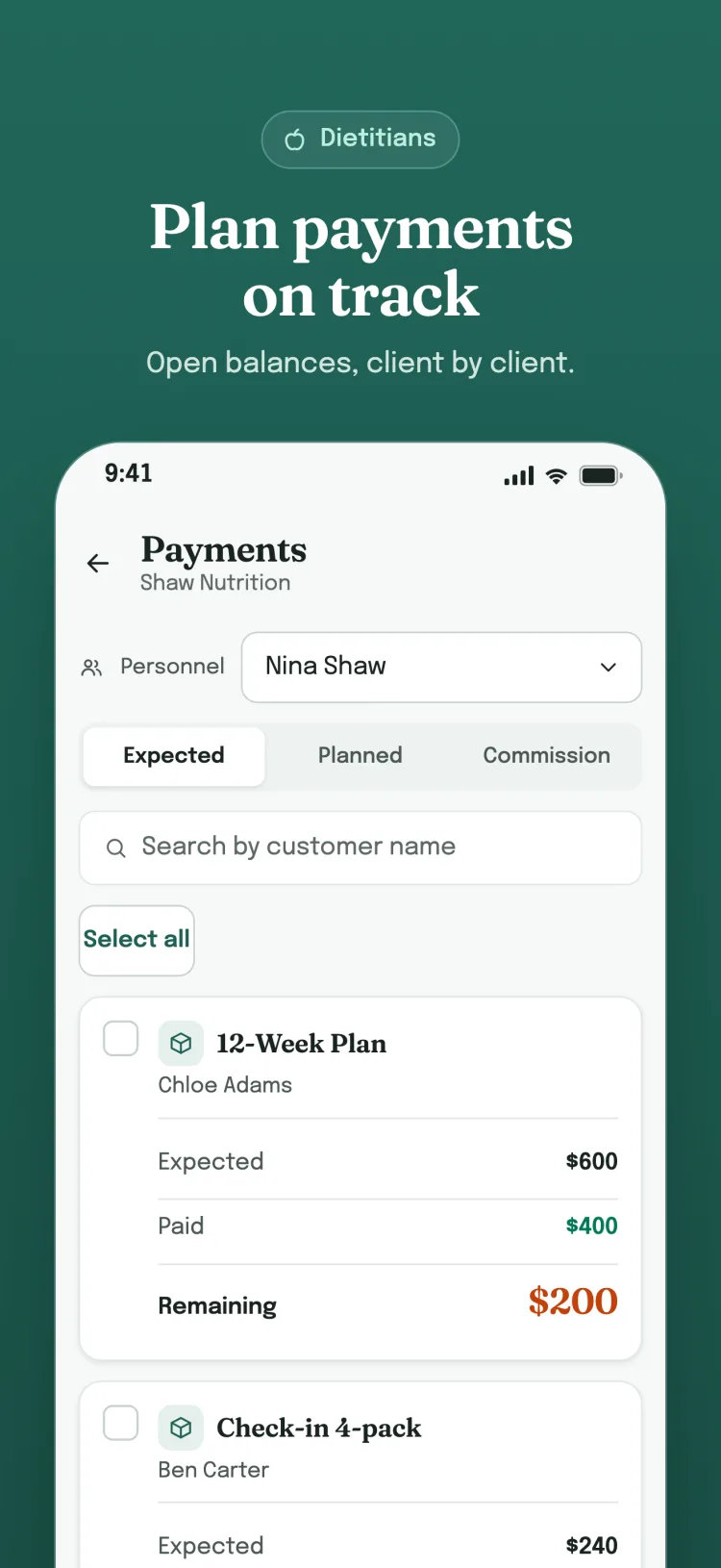
Nexora calculates package credits for cancellations and paid cancellations — so you don't have to.
Free app for clients
Clients see their own appointments and package status; only you and your staff create appointments. Control always stays with the business.
Appointments + WhatsApp
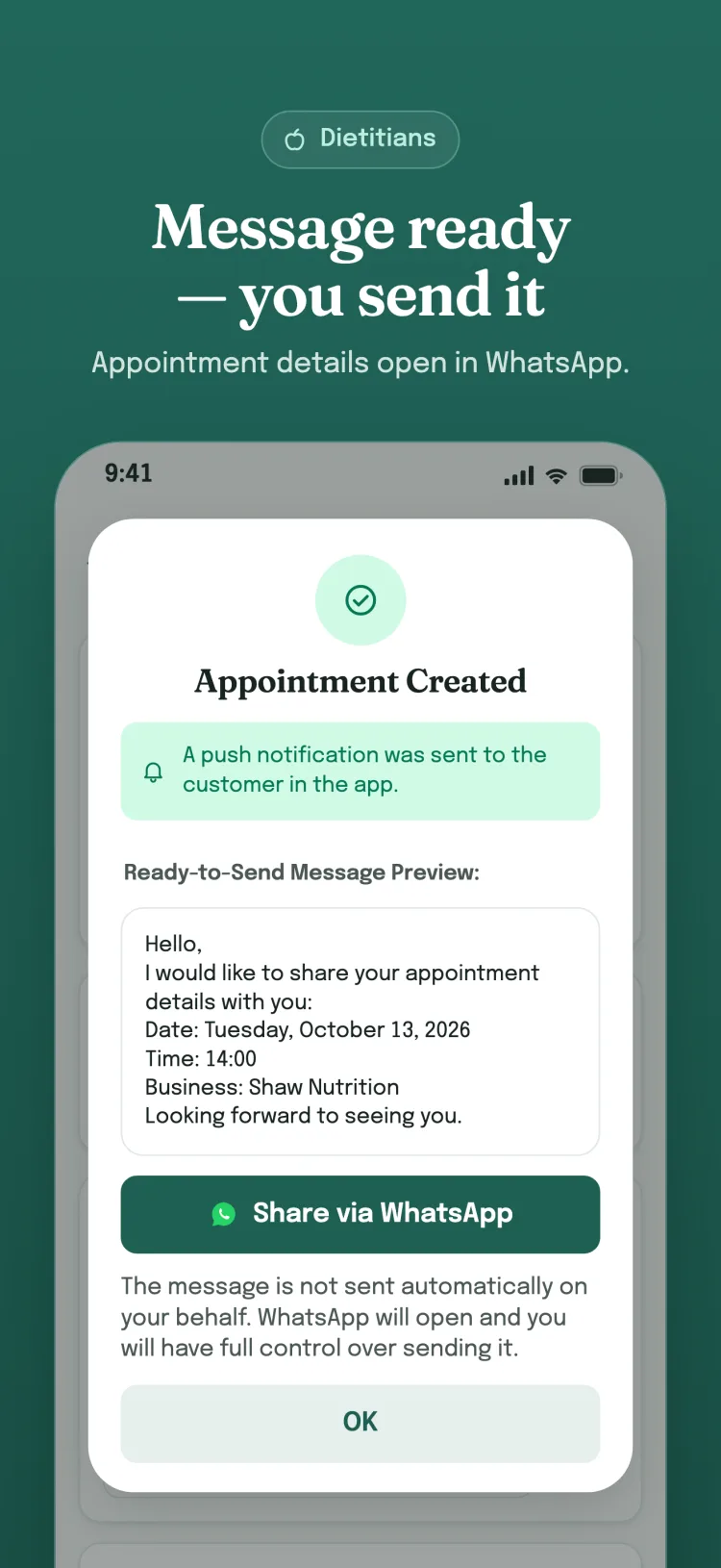
Select a client and service, then create the appointment. Nexora prepares the WhatsApp message and opens the chat; you review or edit the text and press Send. SMS, email and WhatsApp messages are not sent automatically.
Reports + Opportunity map
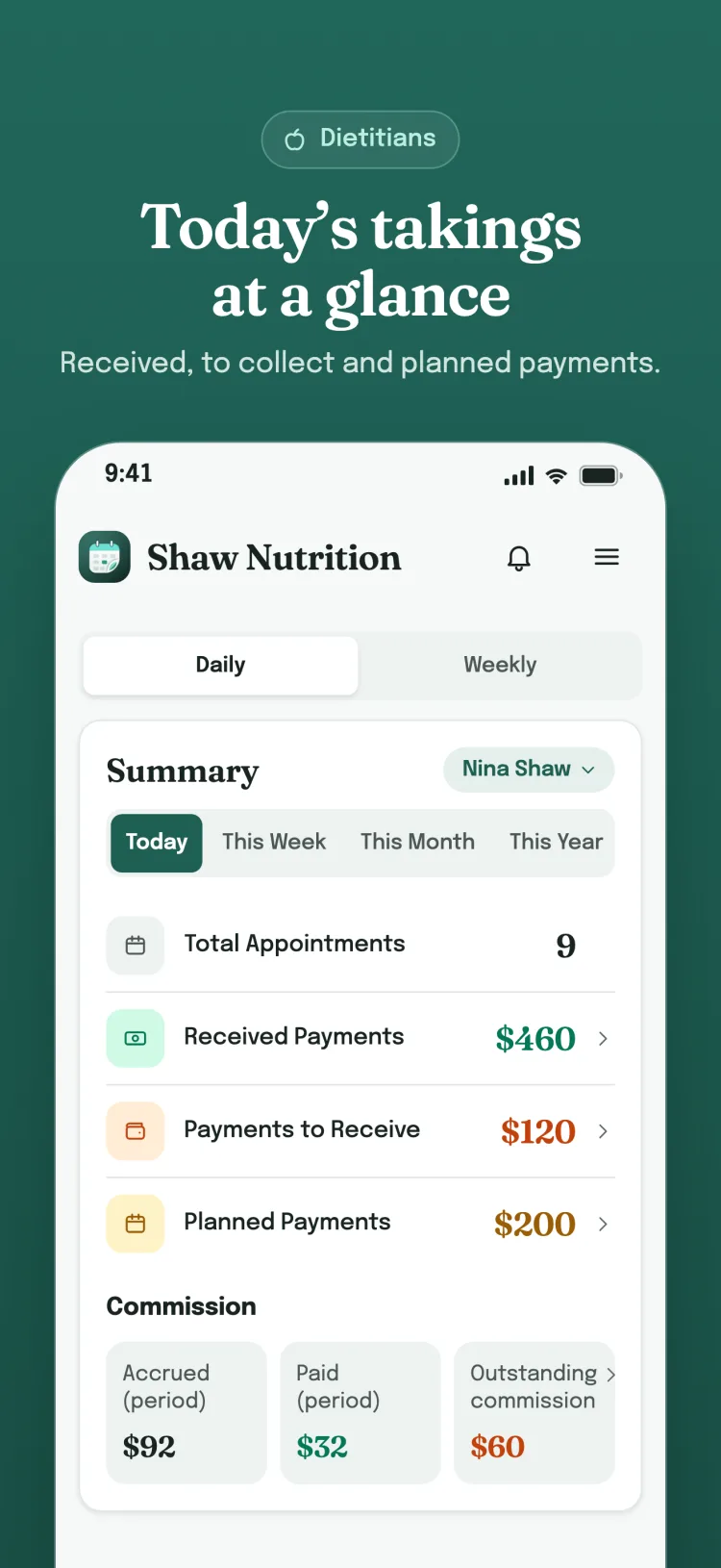
Revenue, staff performance, commissions, client and service reports plus peak and slow hour suggestions — make data-driven decisions.
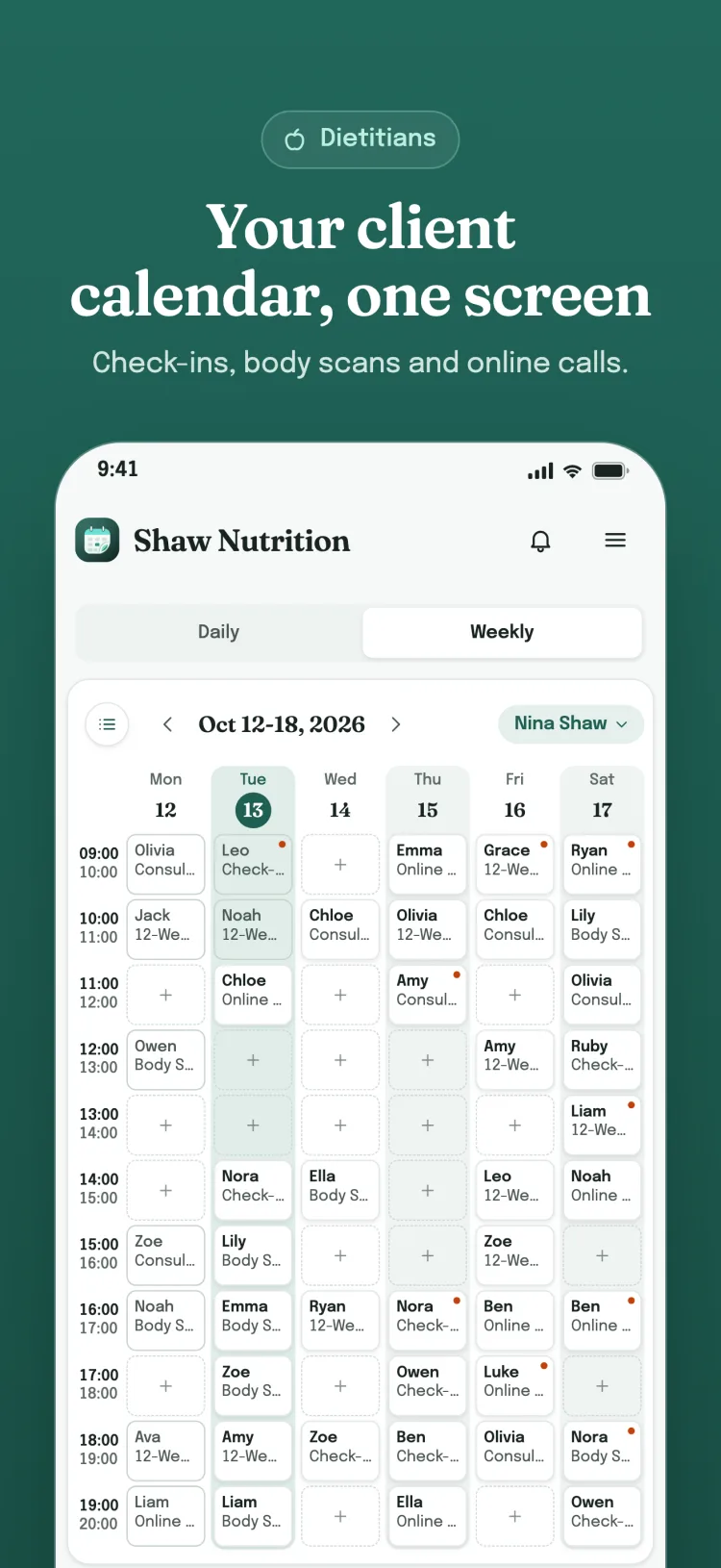
Weekly calendar + revenue tracking
See every slot, your revenue and appointment count for the whole week on a single screen; tap an empty slot to create an appointment.
How it works
Get started in three steps
Create your account
No credit card required.
Add your business and team.
Define your services and packages, then create your first appointment.
Your clients will see their information in the app.
Who it's for
- Dietitians
- Nutrition experts
- Online consultants
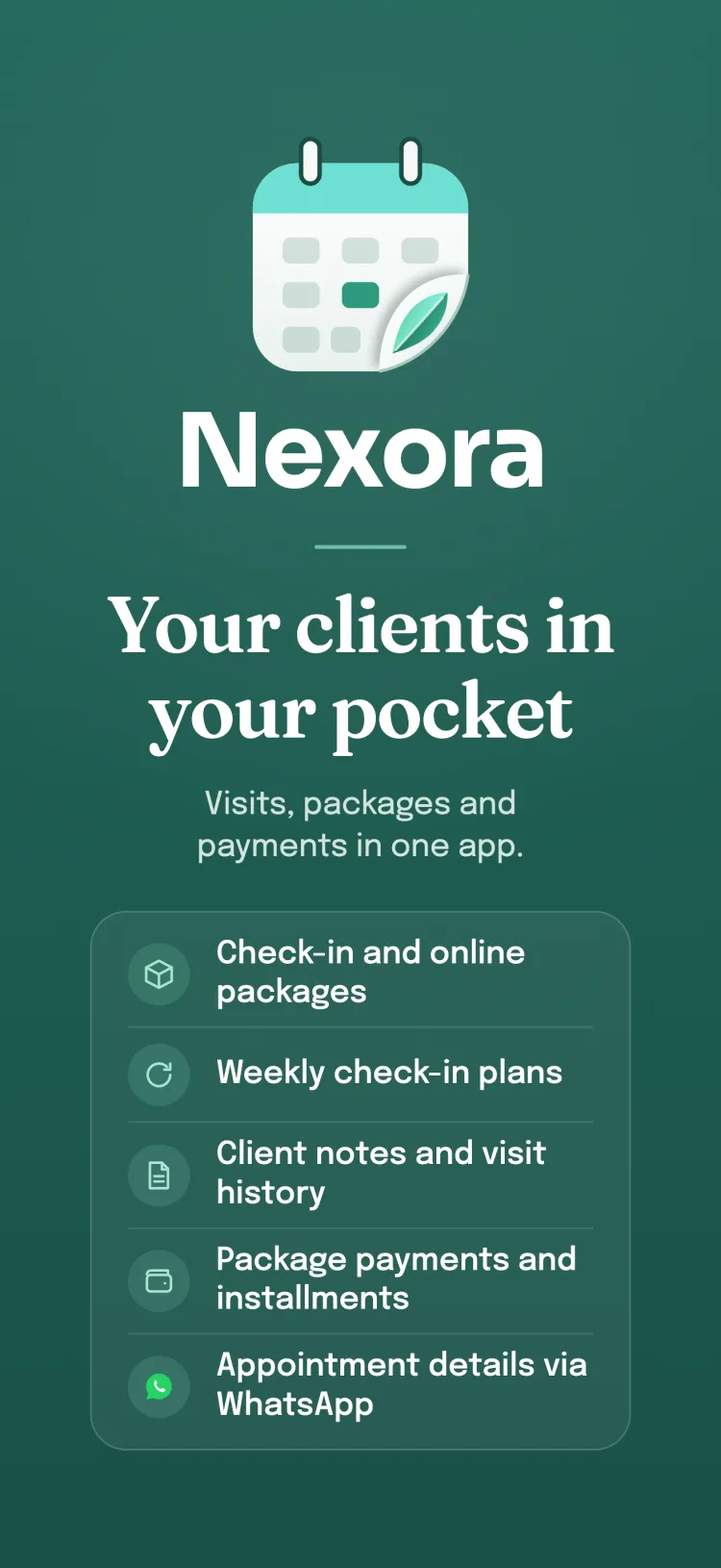
Your business, always in your pocket
Access all your appointments, clients and reports from your phone. Your clients can also track their appointments and package status from the free app.
Dietitian: Old way vs Nexora
| Old Way | Nexora | |
|---|---|---|
| Recurring consultation | Manual | Automatic |
| Client history | Scattered | One screen |
| Consultation notes | Scattered | One screen |
| Package credit | Manual | Automatic |
The right plan for you
Choose your plan by the number of people on your team. Every new company starts with a 7-day free trial.
Recommended
Try free, no credit card required · Cancel anytime.
See plan details and pricing rulesThe App Store or Google Play shows the exact amount before you confirm a purchase; the subscription is managed in your store account.
FAQ
Questions you may have
No. Appointments are created by you and your authorized staff; clients only view their own appointment and package information.
No. The client app is completely free.
No. All features are available during the trial period without a card.
You enter the days and times once; Nexora creates future appointments automatically and renews the package when it ends.
A paid cancellation deducts a package credit; a regular cancellation does not — Nexora calculates this automatically.
Yes. One account can have separate roles in independent businesses and switch between them. Each business keeps its own records; Nexora has no separate branch structure.
Staff added with a phone number can create their own appointments; appointments for staff without a number are created by authorized staff or the business owner.
Your data is safe
Your data is stored encrypted and can only be viewed by people you authorize. You can delete your account and all your data at any time.
Refer and earn
Invite a business; when they start their first subscription, both of you get +30 extra days. No limit.
Leave the repetitive work behind. Manage your business.
Try Nexora free today; setup takes a few minutes.